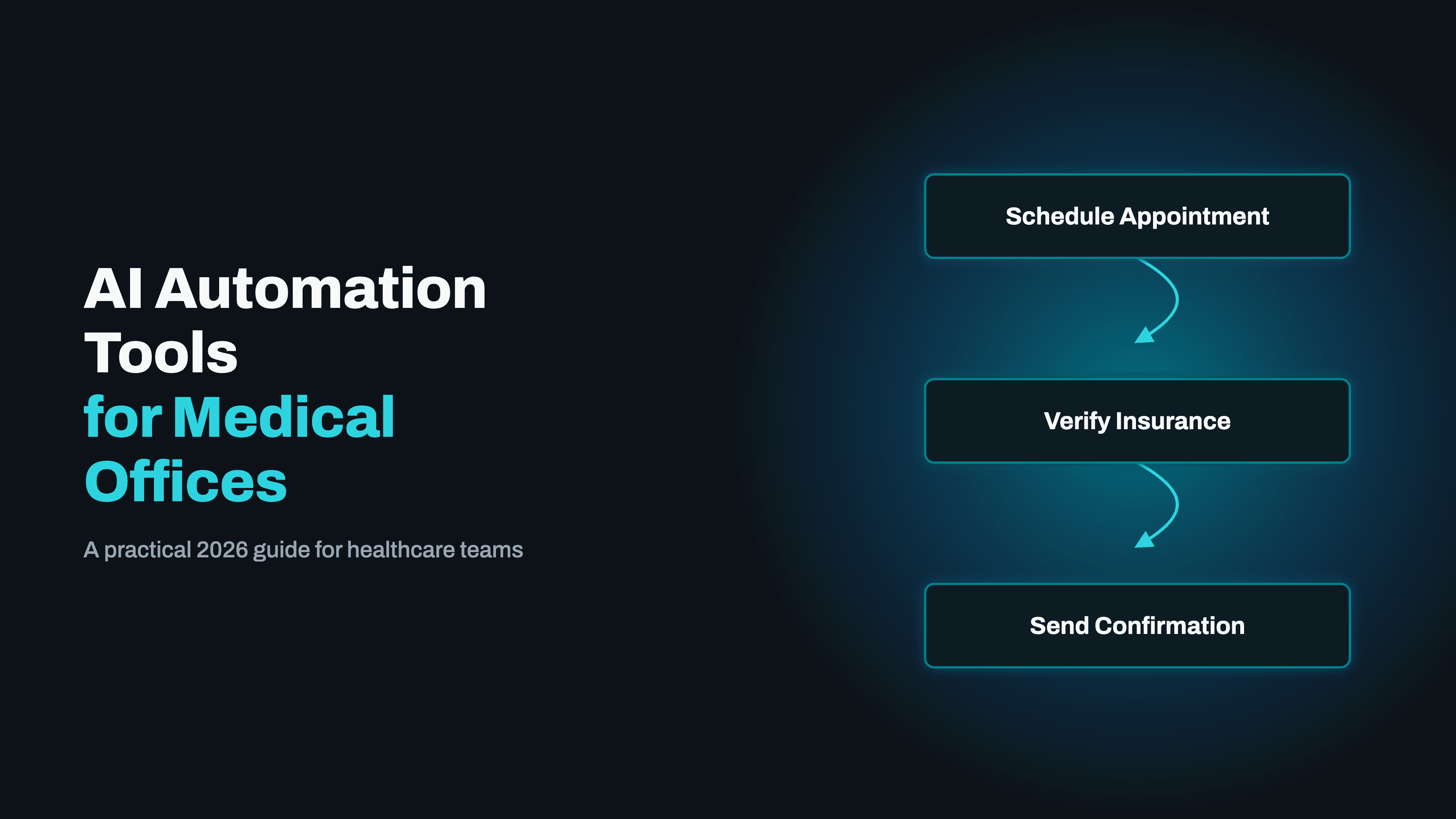
Medical offices are losing 20-30% of staff time to administrative tasks that AI workflow automation can handle, patient intake, billing, scheduling, referrals, and EHR data entry. Here's what's working in production in 2026 and how to implement it compliantly.
The average medical office loses 20–30% of staff time to administrative tasks that require no clinical judgment, scheduling, intake, insurance verification, billing follow-up, referral coordination, and EHR data entry. In 2026, the automation infrastructure to eliminate most of this overhead is mature, HIPAA-compliant, and deployable without disrupting clinical workflows.
The Admin Workflows Consuming the Most Time in Medical Offices
Before evaluating any tool, identify which workflows generate the most overhead. In the medical offices we work with, four categories consistently account for the majority of administrative burden:
- ✓Patient intake and registration: collecting demographics, insurance, consent forms, and medical history. Done manually, this takes 10–15 minutes per new patient and introduces transcription errors into the EHR.
- ✓Insurance verification: confirming active coverage, verifying benefits, and checking authorisation requirements. A 15–30 minute task per patient that adds up to hours of daily staff time in a busy practice.
- ✓Billing and claims management: submitting claims, tracking denials, following up on unpaid claims, managing appeals. Denial rates of 5–10% are common, and manual follow-up is disproportionately time-consuming.
- ✓Appointment scheduling and reminders: managing the queue, handling reschedules, sending reminders, filling cancellations. No-show rates of 15–20% are typical without automated reminders.
Patient Intake Automation: The Highest-ROI Starting Point
Patient intake automation typically delivers the fastest ROI: the compliance risk is manageable, the patient experience improvement is immediate, and the time savings are measurable from week one.
The automated intake flow:
- ✓Appointment is booked → patient receives a secure digital intake link via SMS or email
- ✓Patient completes demographics, insurance card upload, consent forms, and medical history on their phone, before they arrive
- ✓Submitted data is validated automatically (required fields, insurance number formats, date checks) and pushed directly into the EHR patient record
- ✓Insurance information triggers an immediate eligibility check via the payer API or a clearinghouse like Availity, flagging coverage issues to the front desk before the appointment
In production, this workflow reduces front-desk intake time from 15 minutes per new patient to under 3 minutes, and virtually eliminates transcription errors in the patient record.
Medical Billing and Claims Automation: Recovering Denied Revenue
Medical billing is where automation delivers its highest dollar-value returns. An automated billing workflow monitors the claims queue daily, identifies denied or stalled claims, and routes each denial to the correct resolution path by denial code:
- ✓CO-4 (incorrect procedure code): flagged for coder review
- ✓CO-16 (missing information): triggers an automated documentation request to the relevant department
- ✓PR-96 (non-covered charges): flagged for patient responsibility calculation and statement generation
The automation also tracks underpayments, comparing amounts paid against contracted rates in the fee schedule and flagging discrepancies for appeals.
Medical offices using automated denial management typically recover 3–5% of previously written-off revenue in the first 90 days, and reduce time-to-resolution on denied claims from weeks to days.
EHR Integration: Connecting Automation Tools to Epic, Athenahealth, and Kareo
The viability of AI workflow automation for any medical office depends on whether the platform can integrate with the EHR in use. The integration landscape in 2026 is significantly better than two years ago:
- ✓Epic: FHIR R4 APIs for authorized developers, covering patient demographics, appointments, clinical data, and billing records
- ✓Athenahealth: REST API with strong coverage of scheduling, billing, and patient communication workflows
- ✓Kareo (Tebra): API covering appointments, billing, and patient records adequately for most automation use cases
- ✓eClinicalWorks, NextGen, DrChrono: integration is feasible but typically requires more custom development
For practices on these systems, n8n is the automation platform of choice: its HTTP Request node handles EHR API authentication patterns without requiring purpose-built connectors.
HL7 FHIR R4 is the standard worth insisting on if you're evaluating a new EHR and plan to automate, it makes every downstream integration significantly simpler and cheaper.
HIPAA-Compliant Automation Architecture for Medical Offices
HIPAA compliance for automation is about architecture, not platform names. Any workflow that touches Protected Health Information (PHI) must satisfy four requirements:
- ✓Business Associate Agreements (BAAs) with every platform that processes or stores PHI
- ✓Encryption in transit (TLS 1.2+) and at rest (AES-256)
- ✓Access controls with audit logging: who accessed what PHI, and when
- ✓Incident response procedures that satisfy the Breach Notification Rule
For cloud-based platforms like Make.com, confirm they will sign a BAA and process PHI in HIPAA-eligible US infrastructure. For n8n, the recommended healthcare architecture is self-hosted on HIPAA-eligible AWS or Azure, giving you complete control over where PHI sits and how it is logged.
Kodesinc delivers HIPAA compliance documentation, workflow maps, data flow diagrams, and BAA checklists as standard deliverables in all healthcare engagements. See our AI Workflow Automation service for details.
Appointment Scheduling and No-Show Reduction Automation
No-show rates of 15–20% represent significant lost revenue. Automated reminder sequences consistently reduce this to 5–8% in production, typically paying for the full automation implementation within 60–90 days.
The reminder sequence that works:
- ✓72 hours before: email + SMS reminder with one-click confirmation and reschedule link
- ✓24 hours before: SMS reminder
- ✓2 hours before: same-day SMS reminder
- ✓No confirmation received: front desk flagged for a manual call at the 48-hour mark
- ✓Cancellation received: waitlist patients notified automatically to fill the slot
When a specialist referral is generated in the EHR, the scheduling automation sends the referral packet, tracks acknowledgment, and follows up automatically if no response is received within 48 hours.
AI Analytics for Medical Offices: Turning Workflow Data into Operational Insights
Once core workflow automations are running, the operational data they generate becomes valuable. AI analytics built on top of medical office automation can surface insights that are impossible to see in manual operations:
- ✓Which payers have the highest denial rates, and on which procedure codes
- ✓Which appointment types have the highest no-show rates by patient demographic
- ✓Which providers are generating the most billing exceptions
- ✓How patient intake completion rates vary by communication channel
A practice that discovers a specific payer is denying 18% of E&M claims on CO-16 grounds can investigate the root cause and fix it systematically, rather than discovering the pattern claim-by-claim in manual review.
Results: What Medical Office Automation Delivers
- ✓Patient intake: new patient check-in reduced from 15 minutes to under 3 minutes
- ✓Insurance verification: automated eligibility checks before every appointment
- ✓Billing automation: denial management workflows recovering 3–5% of previously written-off revenue
- ✓No-show reduction: automated reminder sequences bringing rates from 15–20% down to 5–8%
- ✓EHR integration: n8n connecting to Epic, Athenahealth, and Kareo via FHIR R4 APIs
- ✓HIPAA compliance: self-hosted architecture with BAAs, audit logging, and data minimisation by design
Referral Coordination and Prior Authorization Automation
Prior authorization requests require pulling clinical documentation, formatting it to payer specifications, submitting via portal or fax, and tracking status. This takes 20–40 minutes per request manually, and authorization delays are one of the leading causes of appointment cancellation and treatment delay.
Automated prior authorization workflows handle the full lifecycle:
- ✓Pull clinical documentation from the EHR automatically
- ✓Format the submission package to payer specifications
- ✓Submit via available payer APIs, United, Aetna, Cigna, and Humana all have prior auth APIs in varying stages of maturity
- ✓Track status and alert staff only when a decision arrives or a submission exceeds the payer's stated turnaround time
- ✓For payers without API access: an AI agent navigates the portal via browser automation, reducing manual work to genuine exceptions only
Practices implementing referral tracking automation consistently report that a measurable share of previously lost referrals, where the patient never booked and no one followed up, are now being completed, improving both patient outcomes and revenue capture.
How to Choose the Right Automation Tool for Your Medical Office
The two most common automation platforms for medical offices in 2026 are n8n and Make.com. The right choice depends primarily on your data residency requirements:
- ✓Make.com: cloud-hosted, visual builder, BAA available on paid plans. Faster to implement for lower-sensitivity workflows like scheduling reminders. PHI processing lives on Make's infrastructure.
- ✓n8n (self-hosted): deployed on your HIPAA-eligible AWS or Azure account. All PHI stays within your own infrastructure. The defensible choice for mental health records, 42 CFR Part 2 data, or board-level HIPAA compliance priorities.
- ✓Custom AI agents: appropriate when workflow logic is too complex for a visual tool, or when the automation needs to make decisions rather than just move data. Higher build cost, significantly higher capability.
Most medical offices end up with a combination: n8n handling high-volume data plumbing between systems, and one or two custom AI agents handling the judgment calls that determine patient and revenue outcomes.
AI workflow automation for medical offices is a present operational advantage, not a future investment. If you want to understand what automation would realistically deliver for your specific workflows, book a free discovery call and we will map your highest-ROI opportunities before any commitment.
Related Articles
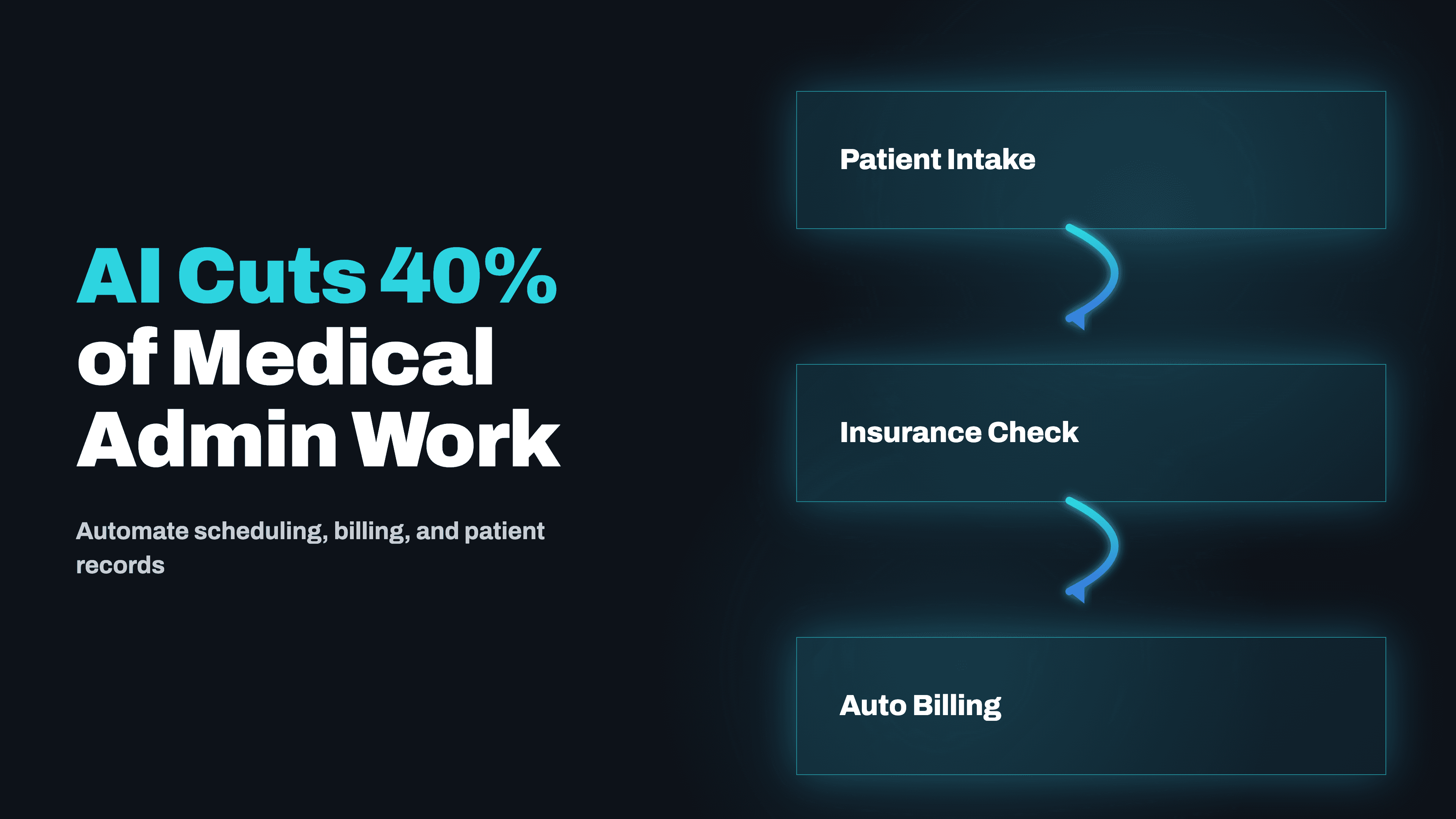
How AI Automation Cuts 40% of Admin Work in Medical Practices
Administrative overhead is the silent killer of medical practice profitability. Here's how AI automation is reclaiming hours every day across patient intake, prior auth, appointment reminders, and billing follow-ups.
Read →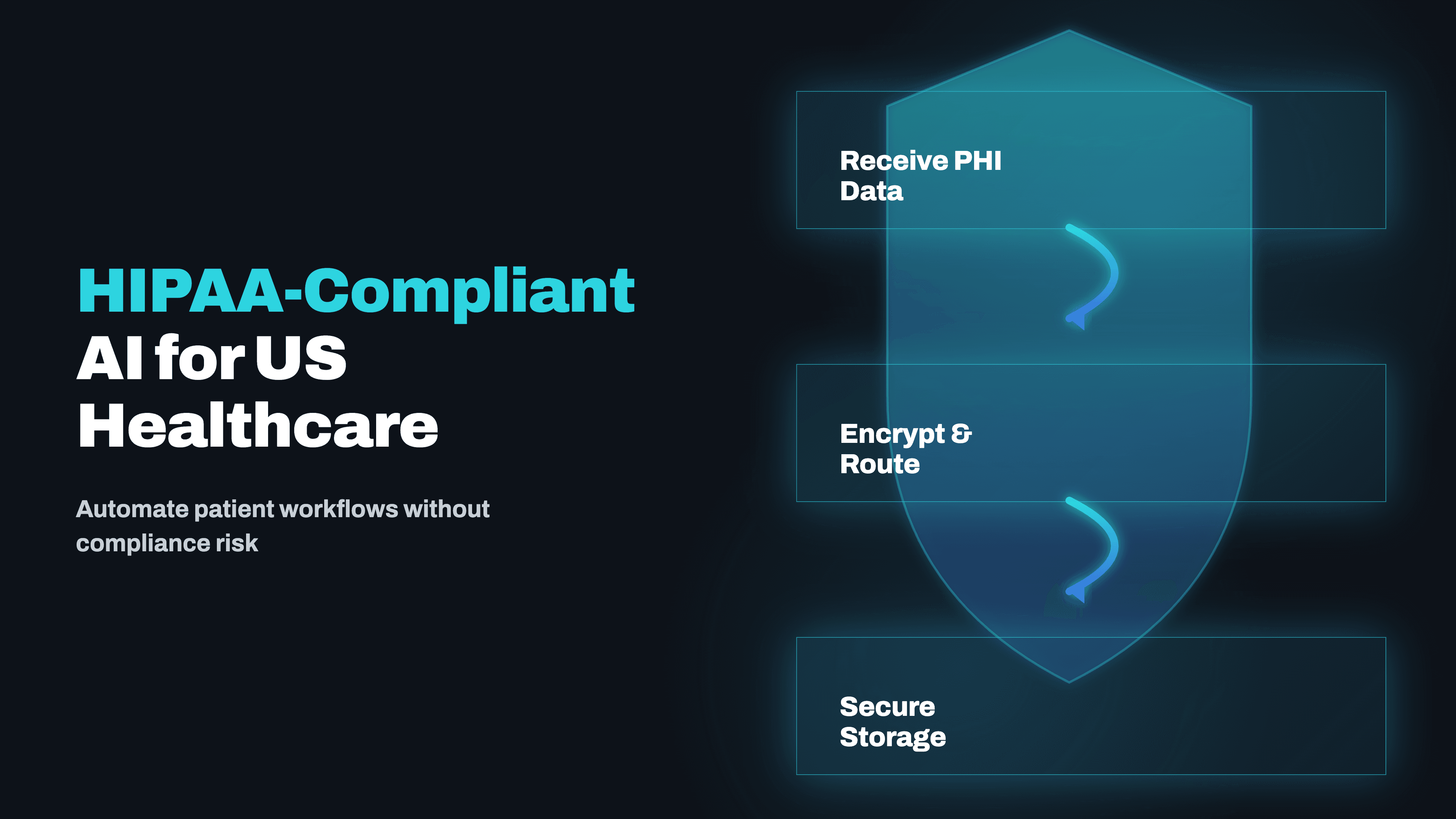
HIPAA-Compliant AI Automation for US Healthcare: What's Safe to Automate in 2026
US healthcare teams spend 40%+ of admin time on tasks that can be automated, but HIPAA compliance stops most agencies from touching it. Here's exactly how compliant automation works, which workflows are safe, and what the integration stack looks like in production.
Read →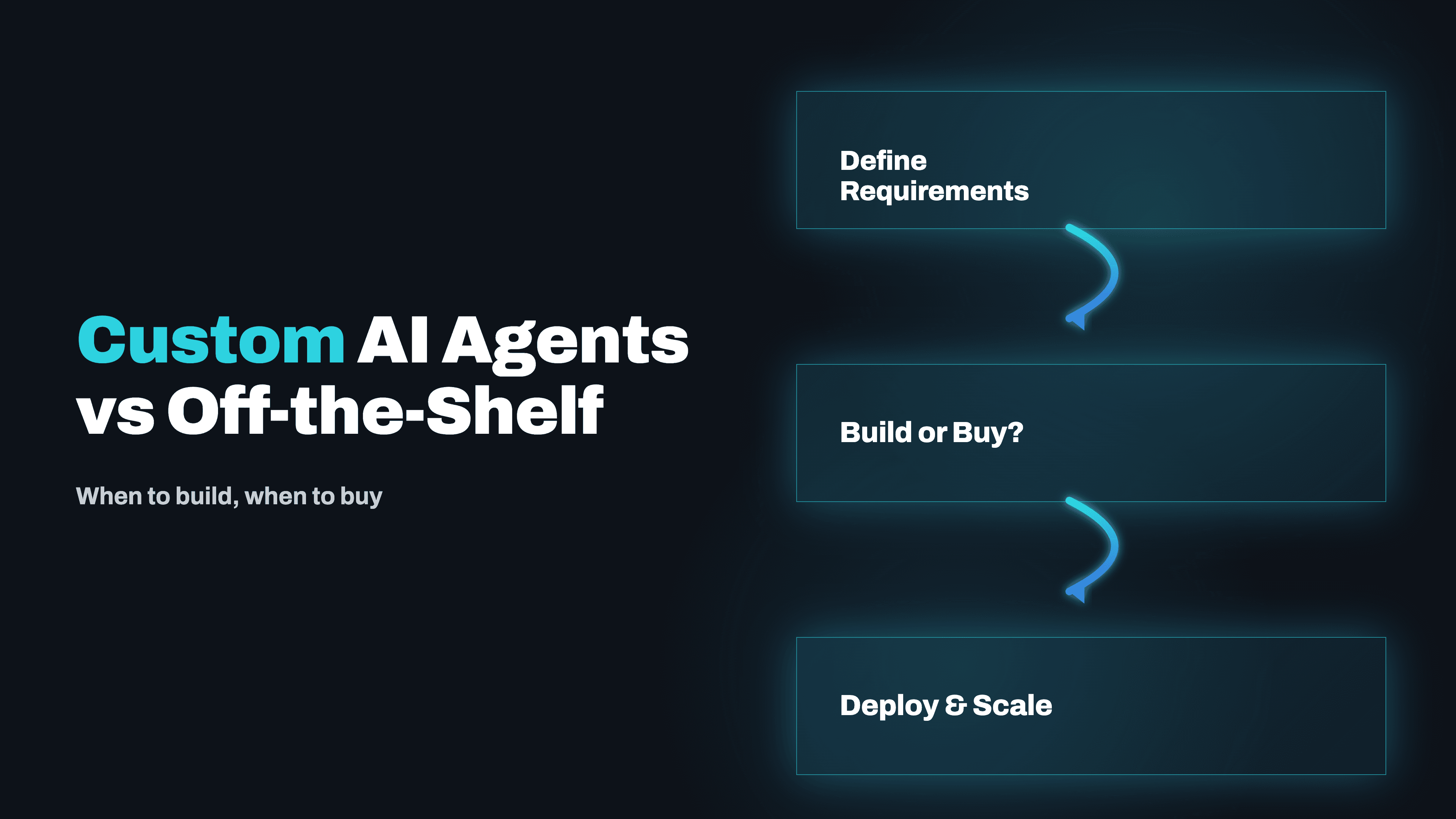
Custom AI Agents vs Off-the-Shelf: When to Build, When to Buy
Every vendor will tell you their product handles your use case. Some of them are right. Here's an honest framework for deciding when a custom AI agent is worth the investment, and when buying an existing tool is the smarter call.
Read →
HIPAA Compliant Workflow Automation: Architecture Guide for Healthcare
Most healthcare workflow automation fails HIPAA compliance not because the tool is wrong but because the architecture is wrong. Here is what HIPAA actually requires of automated systems, which platforms can be made compliant, and how to design workflows that your DPO and legal team can sign off on.
Read →Want to implement this for your business?
Book a free strategy call. No commitment, no pitch deck — just a real conversation about your workflow.
Discuss Your Project →