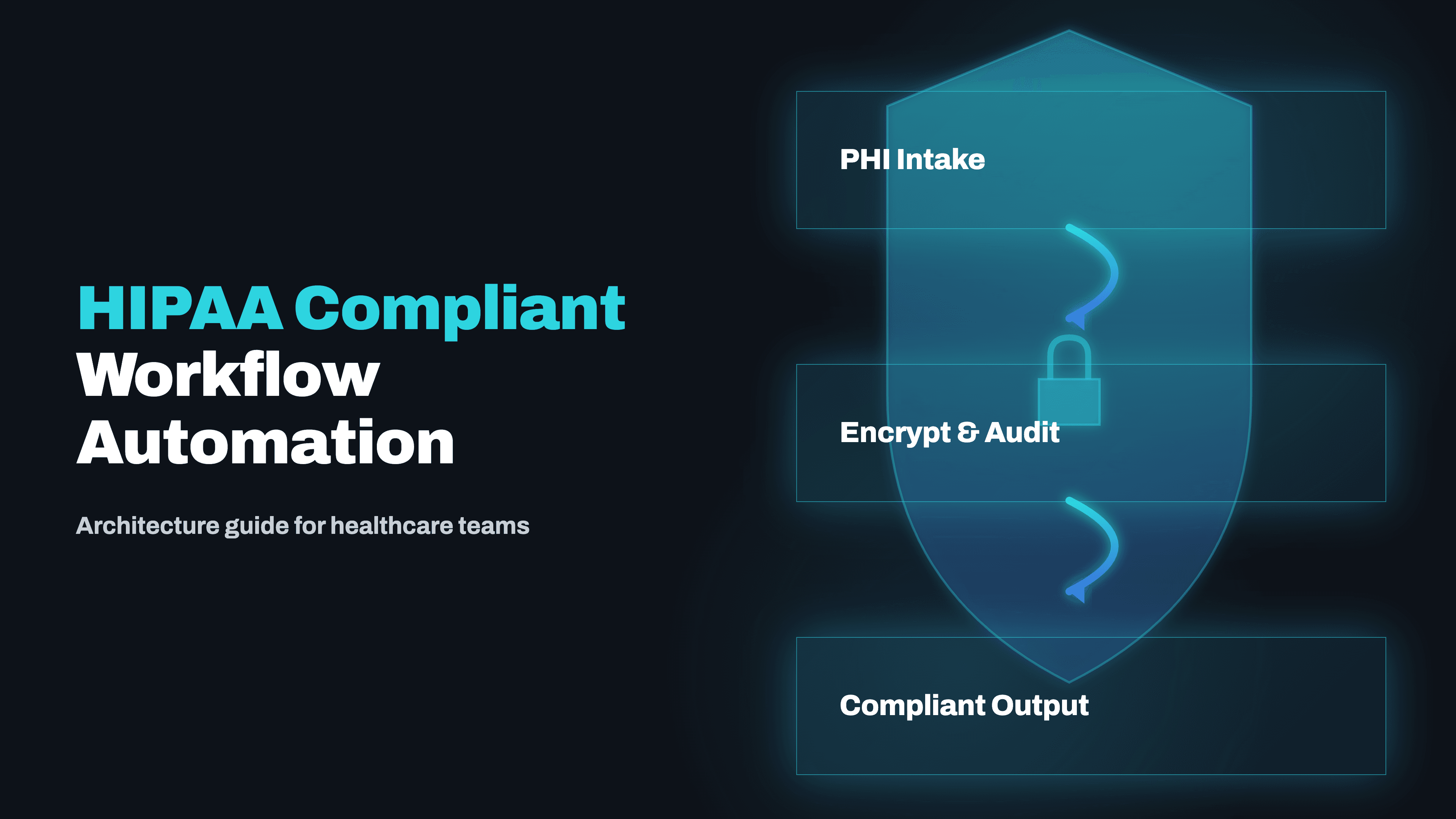
Most healthcare workflow automation fails HIPAA compliance not because the tool is wrong but because the architecture is wrong. Here is what HIPAA actually requires of automated systems, which platforms can be made compliant, and how to design workflows that your DPO and legal team can sign off on.
HIPAA compliance for workflow automation is widely misunderstood in healthcare. Most practices and health systems assume that choosing a platform that advertises HIPAA compliance is sufficient. It is not. HIPAA compliance is a property of an architecture, not a product. A platform that offers a Business Associate Agreement does not guarantee that your specific workflow, as built and deployed, is HIPAA compliant. The compliance obligation sits with the covered entity, your practice or health system, and extends to every system, integration, and data flow involved in processing Protected Health Information.
What HIPAA Actually Requires of Automated Systems
The HIPAA Security Rule establishes three categories of safeguards that apply to any electronic system handling PHI: administrative safeguards, physical safeguards, and technical safeguards. The technical safeguards are the most directly relevant for workflow automation:
- ✓Access controls: unique user identification, automatic logoff, encryption
- ✓Audit controls: hardware and software activity logs that can reconstruct who accessed what PHI and when
- ✓Integrity controls: mechanisms to ensure PHI is not improperly altered or destroyed during automated processing
- ✓Transmission security: encryption for all PHI in transit
Every workflow automation system that touches PHI must implement all four of these technical safeguard categories. A workflow that processes unencrypted PHI at any point in its execution, or that does not log access, is non-compliant, regardless of what the platform's marketing says.
Business Associate Agreements: What to Require from Every Automation Vendor
A Business Associate Agreement (BAA) is a legally binding contract between a covered entity and any vendor that creates, receives, maintains, or transmits PHI on their behalf. For workflow automation, this means you need a BAA with every platform that processes PHI, not just the primary automation tool, but every connected service.
- ✓If your n8n workflow sends patient appointment confirmations via Twilio, you need a BAA with Twilio
- ✓If it logs PHI to a Google Sheet, you need a BAA with Google (available under Google Workspace Business Plus and above)
- ✓If it uses an AI API to process clinical notes, you need a BAA with the AI provider, OpenAI offers BAAs on their Enterprise tier; Anthropic offers BAAs for Claude API commercial customers
Standard Zapier plans do not include a BAA. Standard Make.com plans do not include a BAA. Many AI API providers do not offer BAAs at all. The correct sequence is to confirm BAA availability from every vendor in the data flow before writing a single automation node, not after the workflow is built.
Self-Hosted n8n: The Architecturally Defensible Choice for PHI Workflows
For medical practices and health systems that take HIPAA compliance seriously, self-hosted n8n on HIPAA-eligible cloud infrastructure is the architecturally correct choice for workflow automation. The core reason is control: when n8n is deployed on your own AWS or Azure account, PHI never leaves infrastructure that you control and audit. There is no third-party SaaS platform holding your workflow execution logs, your intermediate data, or your patient records.
From a technical implementation standpoint, self-hosted n8n on AWS requires:
- ✓An EC2 instance in a private VPC subnet
- ✓An RDS database for workflow storage with encryption at rest enabled
- ✓An Application Load Balancer with TLS termination for the n8n web interface
- ✓CloudTrail enabled for API-level audit logging
- ✓VPC Flow Logs for network-level audit logging
- ✓All data volumes using encrypted EBS storage
With this architecture, you can produce a complete audit trail of all PHI access, demonstrate encryption at rest and in transit, and show network isolation from public internet access, the three things an OCR auditor will ask for first.
Designing HIPAA-Compliant Workflows: Data Minimization and Audit Logging
Even with a compliant infrastructure, individual workflows must be designed with HIPAA principles in mind. The minimum necessary standard requires that your automation only accesses and processes the PHI fields required for the specific task. A patient appointment reminder workflow does not need access to diagnosis codes or medication lists, it needs name, contact information, and appointment time.
Audit logging for workflow automation means being able to answer, for any PHI that passed through your system: what PHI was accessed, by which workflow, at what time, from which source, and where it was sent. For PHI-specific logging you should implement custom logging nodes that record PHI access events to a separate audit log store, a dedicated CloudWatch Log Group or a purpose-built audit database, that is append-only and tamper-evident.
The Most Common HIPAA Compliance Failures in Healthcare Automation
- ✓PHI stored in automation platform logs: cloud-hosted platforms often log full workflow payloads for debugging, meaning patient names, dates of birth, insurance IDs, and appointment information sit in the platform's log storage with no HIPAA controls
- ✓Missing BAAs: the practice signed up for a BAA with their primary automation platform but did not obtain BAAs from connected services, the SMS gateway, the email provider, the spreadsheet tool used for intermediate data
- ✓Unencrypted data in transit: workflows that pass PHI via HTTP rather than HTTPS, or that write PHI to an unencrypted S3 bucket without server-side encryption
- ✓Lack of access controls: automation platforms configured with a single shared login used by multiple staff members, making it impossible to attribute PHI access to individual users
All four of these failures are preventable with proper architecture review before deployment. A HIPAA compliance review of your automation workflows should happen before go-live, not after an OCR audit notice arrives.
HIPAA-Compliant Patient Communication Automation
Patient communication automation, appointment reminders, intake form delivery, result notifications, billing statements, is one of the highest-value automation categories for medical practices, and one that involves PHI in almost every message. HIPAA does not prohibit automated patient communications, but it requires that:
- ✓Communications are sent via channels the patient has consented to
- ✓PHI included in the communication is limited to what is necessary
- ✓The transmission is secure
For SMS appointment reminders, the minimum-necessary approach is to include the appointment time and a confirmation link, without diagnosis information, provider name for sensitive specialties, or insurance details. For communications that include more sensitive PHI, secure patient messaging portals integrated with your EHR are the most HIPAA-defensible channel.
Architecture Checklist: HIPAA-Compliant Workflow Automation
- ✓BAA required: obtain from every vendor in the PHI data flow before building, not after
- ✓Self-hosted n8n on AWS or Azure: the architecturally defensible choice for PHI workflows
- ✓Data minimization: each workflow step should access only the PHI fields it needs
- ✓Audit logging: append-only logs recording PHI access events, not PHI content
- ✓Unique user IDs: no shared logins for automation platforms handling PHI
- ✓Encryption: TLS in transit, AES-256 at rest, encrypted EBS and RDS in AWS deployments
HIPAA Compliance for AI and LLM Integrations in Healthcare Workflows
When a workflow uses an AI API to process clinical notes, generate patient summaries, or extract information from referral letters, that AI API is receiving PHI and is therefore a business associate requiring a BAA. The BAA landscape for AI providers in 2026:
- ✓OpenAI offers BAAs under their Enterprise tier, with a zero data retention option ensuring PHI is not used for model training
- ✓Anthropic offers BAAs for Claude API usage under commercial agreements, with similar zero data retention commitments for covered healthcare use cases
- ✓Google offers BAAs for Gemini API usage through Google Cloud's HIPAA-eligible services
For healthcare organizations that require maximum data control, running an open-source model on-premise, Llama 3, Mistral, or fine-tuned clinical models, eliminates the BAA dependency for the AI inference layer entirely. The performance gap between frontier models and well-tuned open-source models has narrowed significantly for structured healthcare NLP tasks, making self-hosted inference a viable option where data sovereignty requirements make third-party AI APIs impractical.
Incident Response Planning for Automation-Related PHI Breaches
The HIPAA Breach Notification Rule requires covered entities to notify affected individuals within 60 days of discovering a breach of unsecured PHI, and to notify HHS and potentially the media for breaches affecting 500 or more individuals. For workflow automation systems, the most likely breach scenarios:
- ✓An automation misconfiguration that sends PHI to an unintended recipient
- ✓PHI logged in an unsecured location due to an automation platform's default logging behaviour
- ✓A credential compromise that gives an unauthorized party access to PHI flowing through the automation system
- ✓A ransomware event that encrypts automation infrastructure and potentially exposes cached PHI
Every healthcare organization running workflow automation should have a documented incident response plan that covers these specific scenarios, with automation platforms included explicitly in your annual HIPAA security risk analysis.
HIPAA compliant workflow automation is achievable for any medical practice or health system willing to design the architecture correctly from the start. Kodesinc delivers HIPAA compliance documentation, data flow diagrams, BAA checklists, audit logging specifications, and workflow architecture reviews as standard deliverables in all healthcare automation engagements. Book a free discovery call to discuss your specific workflows and compliance requirements.
Related Articles
HIPAA-Compliant AI Automation for US Healthcare: What's Safe to Automate in 2026
US healthcare teams spend 40%+ of admin time on tasks that can be automated, but HIPAA compliance stops most agencies from touching it. Here's exactly how compliant automation works, which workflows are safe, and what the integration stack looks like in production.
Read →
AI Workflow Automation Tools for Medical Offices: A Practical 2026 Guide
Medical offices are losing 20-30% of staff time to administrative tasks that AI workflow automation can handle, patient intake, billing, scheduling, referrals, and EHR data entry. Here's what's working in production in 2026 and how to implement it compliantly.
Read →
How AI Automation Cuts 40% of Admin Work in Medical Practices
Administrative overhead is the silent killer of medical practice profitability. Here's how AI automation is reclaiming hours every day across patient intake, prior auth, appointment reminders, and billing follow-ups.
Read →Want to implement this for your business?
Book a free strategy call. No commitment, no pitch deck — just a real conversation about your workflow.
Discuss Your Project →