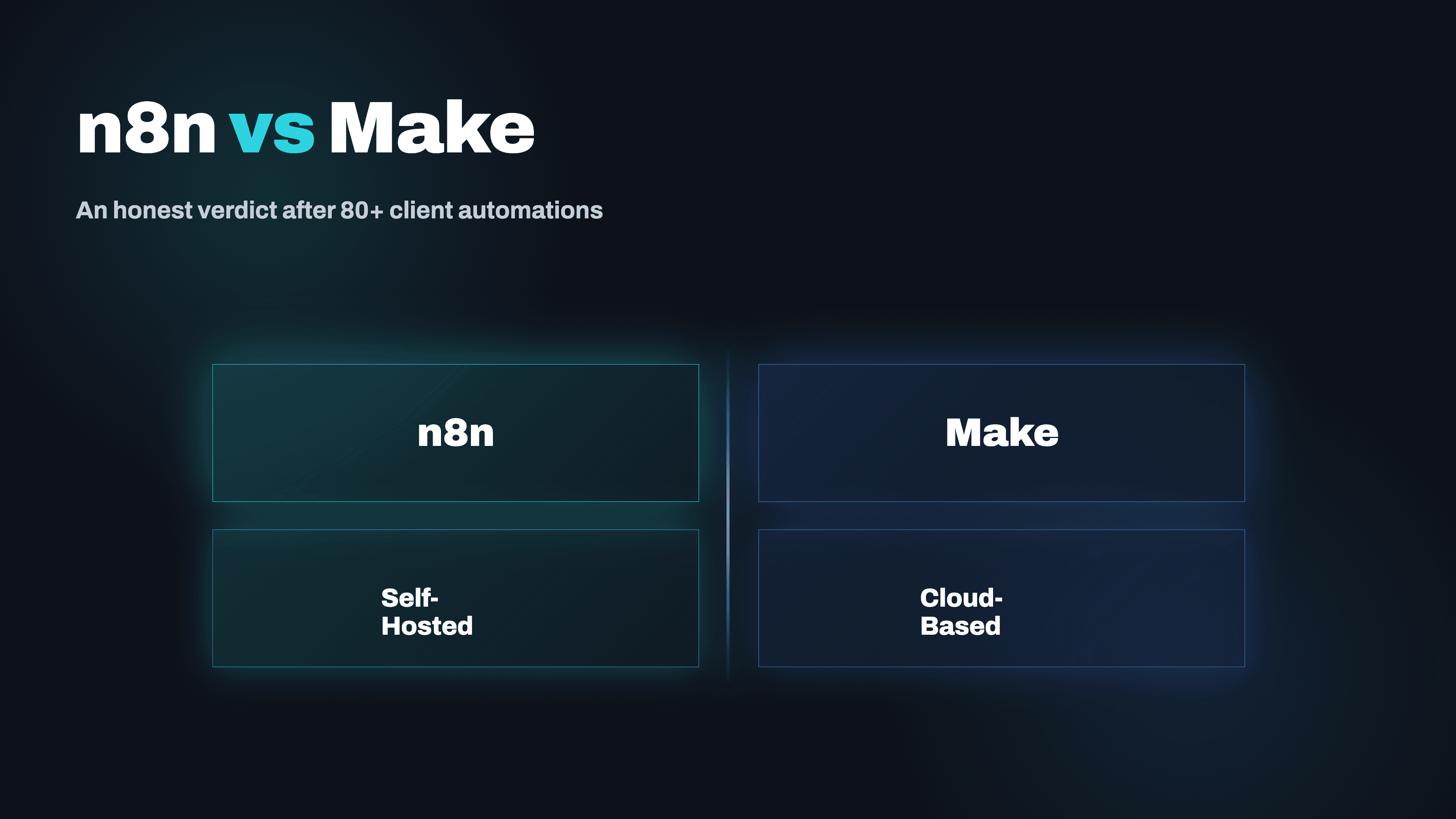
We've shipped automations on both n8n and Make for clients ranging from solo medical practices to enterprise logistics platforms. Here's the unfiltered verdict, including when we actively steer clients away from each one.
We've built over 80 production automations across both n8n and Make (formerly Integromat) for clients in healthcare, events, SaaS, and enterprise logistics. Both platforms are genuinely good. But 'genuinely good' doesn't mean interchangeable, and picking the wrong one for a project has real costs in time, money, and the 2am incident that wakes someone up. Here's what we've learned.
Where Make Wins: Speed and Simplicity for Standard Integrations
Make is exceptional when you need to connect well-supported apps quickly. Its visual scenario builder is the most intuitive in the market, and a non-technical ops person can build and maintain a CRM-to-email sync without help from engineering. The pre-built module library is enormous, error messaging is clear, and the free tier is genuinely useful for low-volume use cases. For clients who need something working in days, not weeks, and are connecting apps that Make already supports natively, we still reach for Make first. It's the right tool for roughly 40% of the automation requests we see.
Where n8n Wins: Everything That Requires Real Engineering
n8n is a different animal. It's open-source, self-hostable, and exposes the full underlying data structure at every node. When we're building an AI agent that calls an LLM, parses the structured output, conditionally branches based on confidence scores, writes to a PostgreSQL database, and then triggers a webhook, that's n8n. The Code node (JavaScript or Python) means you're not fighting the platform's abstractions when you hit an edge case. For any automation that involves custom business logic, LLM calls, or data transformations that go beyond field mapping, n8n is materially faster to build on than Make.
The Cost Reality: It's Not What You Think
Make charges by operations (each module execution). For high-volume automations, that pricing model turns painful fast. A workflow that processes 50,000 records per month and touches 8 modules per record is 400,000 operations, that's Make's Teams plan or above. n8n Cloud charges by workflow executions, which is more predictable for complex multi-step workflows. But the real cost story is self-hosted n8n: for clients with engineering resources, a self-hosted n8n instance on a $40/month VPS handles unlimited executions.
Three enterprise clients run combined automation volumes that would cost $2,000–$4,000/month on Make, for under $200/month on self-hosted n8n.
Reliability: Where Both Platforms Have Blind Spots
Make's cloud reliability is excellent for standard scenarios, but the execution queue can back up during maintenance windows, a problem if your automation is time-sensitive. n8n Cloud has improved significantly in 2025 but still occasionally has webhook delivery delays. Self-hosted n8n is only as reliable as your infrastructure, which means you need proper queue management (we use Redis + n8n's queue mode) and monitoring.
We've had Make scenarios silently fail due to API rate limit changes from third-party apps, and we've had n8n workflows break after minor version updates. Neither platform is fire-and-forget at scale.
Our Actual Decision Framework
- ✓Use Make when: the integrations are standard, the client team needs to maintain it without dev support, and volume is under 50K operations/month
- ✓Use n8n when: there's custom logic, LLM calls, database writes, or the client wants self-hosted control
- ✓Use neither when: the workflow is truly mission-critical and real-time. Use a custom service with proper error handling, retries, and dead-letter queues.
- ✓Consider both in parallel when: Make handles the simple high-volume tasks and n8n handles the complex logic layer
Migration: Moving From Make to n8n (and When It's Worth It)
We've migrated three clients from Make to self-hosted n8n in the past 18 months, and the decision point was consistent: all three had grown their automation volume to the point where Make's per-operation pricing was costing more than the equivalent self-hosted n8n infrastructure. Migration is not always smooth. Make scenarios map cleanly to n8n workflows for standard integrations, but anything involving Make's advanced data store, aggregators, or router modules requires rebuilding from scratch rather than a direct translation.
The business case calculation is straightforward: if your monthly Make bill exceeds $400 and is growing, and your team has some technical capacity to manage self-hosted infrastructure, the migration typically pays back within 3–4 months including the migration cost.
The Maintenance Reality After Delivery
The automation that ships is not the automation that runs 12 months later. APIs change, third-party apps update their authentication flows, rate limits get adjusted, and data schemas drift. We've seen well-designed automations break silently because a vendor changed their API response format and the automation continued running but started writing corrupted data.
Our production deployments include monitoring that checks output data quality, not just whether the workflow executed. For clients who want ongoing maintenance coverage, we offer retainer arrangements that include proactive monitoring, version updates, and adding new workflows as business needs evolve.
Webhook vs Polling: The Architecture Decision That Affects Everything
One of the most consequential design decisions in any n8n or Make workflow is whether to use webhooks (event-driven triggers) or polling (scheduled checks). Webhooks are faster and cheaper: when a new record is created in your CRM, the webhook fires immediately and the workflow starts within seconds. Polling checks every 5–15 minutes and costs operations or executions even when nothing has changed.
- ✓Use webhooks for: customer-facing communications, real-time data syncs, invoice receipt acknowledgments, and any time-sensitive workflow where the upstream system supports it
- ✓Use polling for: batch processes where a 15-minute delay is acceptable, or when the source system doesn't support webhook delivery
The mistake is defaulting to polling because it's simpler to configure, and then discovering your 'real-time' automation is actually running on a 15-minute delay. We audit trigger architecture on every workflow we build and redesign polling-based triggers wherever the latency cost is material.
The 'n8n vs Make' debate misses the real question: what does this automation actually need to do, who will maintain it, and what breaks if it fails? We're platform-agnostic and use whichever tool delivers the most reliable outcome for that specific workflow. Book a free workflow audit and we'll walk through your use case with no sales pressure.
Related Articles
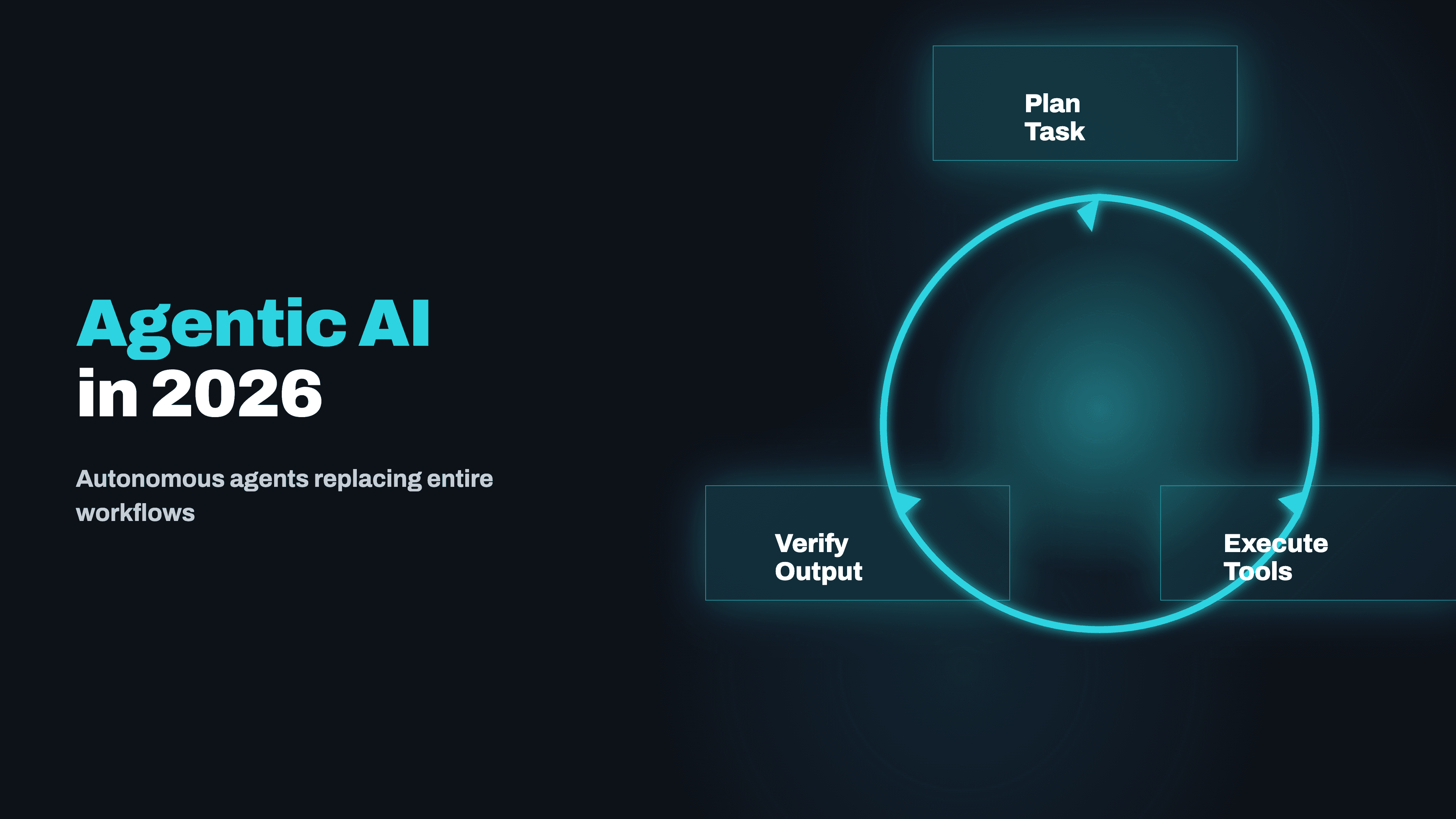
Agentic AI in 2026: How Autonomous Agents Are Replacing Entire Workflows
Agentic AI is the most over-used phrase in tech right now, and also the most consequential shift in how work gets done. Here's a ground-level view of what autonomous AI agents actually replace, what they can't, and what a real deployment looks like in 2026.
Read →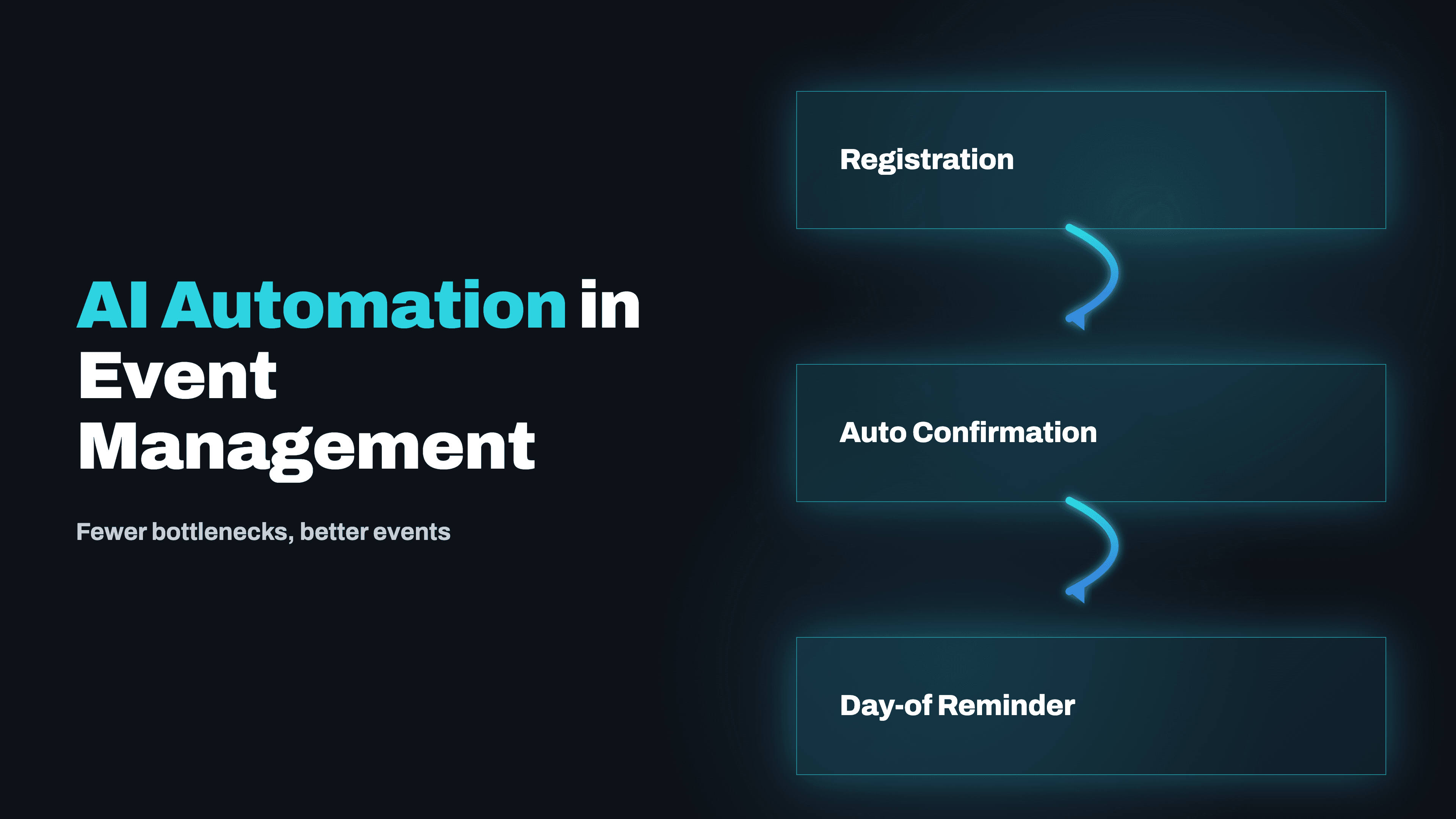
AI Automation in Event Management: Fewer Bottlenecks, Better Events
Event management runs on coordination, hundreds of moving pieces, tight deadlines, and zero tolerance for dropped balls. Here's what AI automation is actually changing, and not in the generic chatbot way you've heard about.
Read →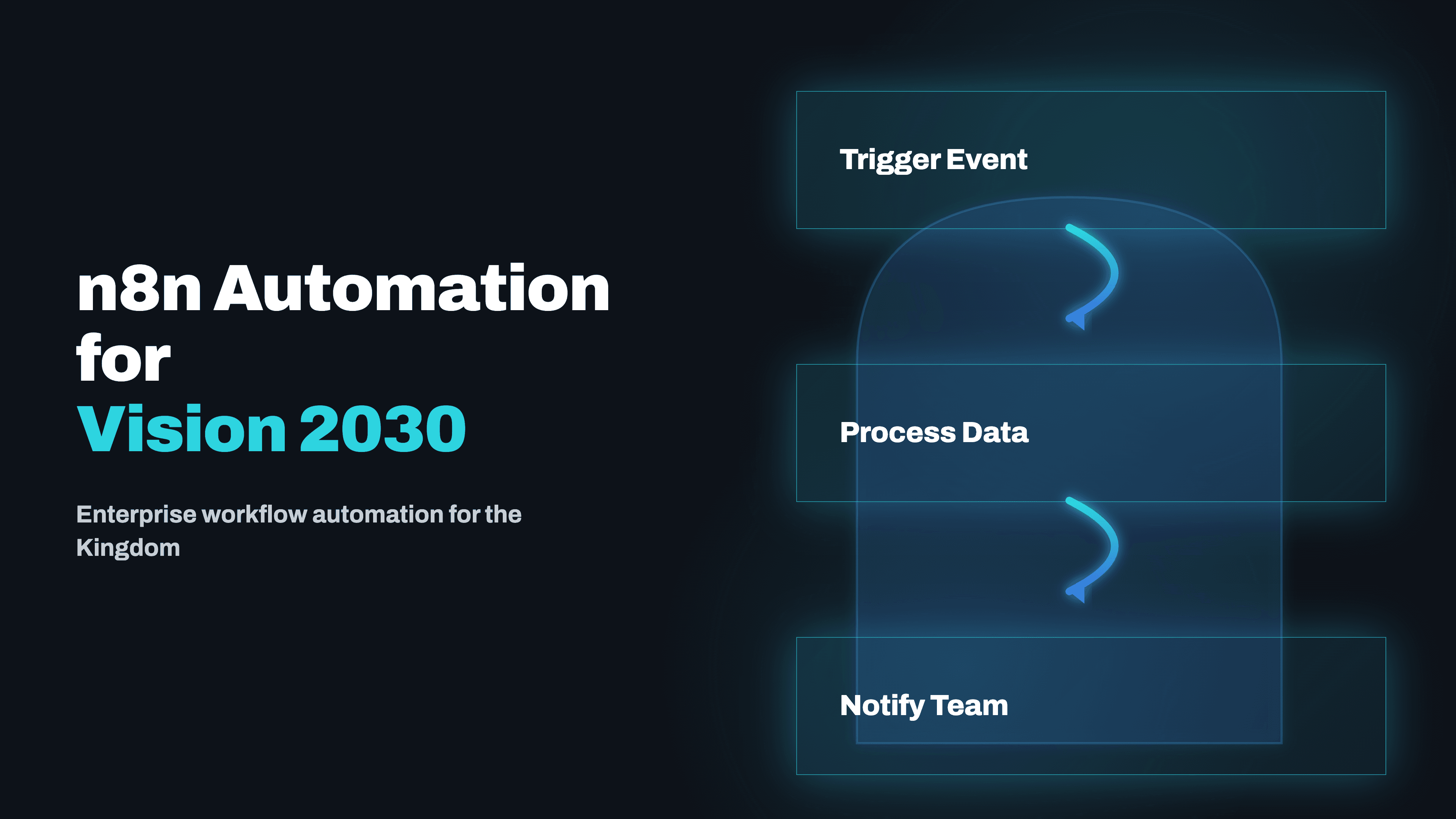
n8n Automation for Saudi Enterprises: Aligning with Vision 2030
Vision 2030 isn't just a government initiative, it's creating real procurement and compliance pressure for Saudi enterprises to show digital transformation progress. Self-hosted n8n is the right tool for Saudi deployments: no data leaves the kingdom, no per-operation cloud pricing, full control.
Read →
AI Workflow Automation for UK Businesses: 2026 Guide
UK businesses face specific pressures in 2026, rising labour costs post-NLW increase, GDPR compliance requirements, and a skills gap in technical talent. AI workflow automation is the practical answer. Here's what's working, what's compliant, and how Kodesinc builds it.
Read →Want to implement this for your business?
Book a free strategy call. No commitment, no pitch deck — just a real conversation about your workflow.
Discuss Your Project →